Mise
An app on our kitchen tablet that tracks what food we have, suggests what to cook with it, and builds the shopping list from what's missing.
The problem
We waste food we forgot we had, and buy things we already own. Recipes live on paper cards, in browser tabs and in our heads. The shopping list is rebuilt from scratch every week.
I wanted the kitchen to have one source of truth: what’s in the house, what we’re cooking, and what’s missing. It also had to be easy enough that both of us would use it on the fridge tablet, and not quietly abandon it after a week.
What it does
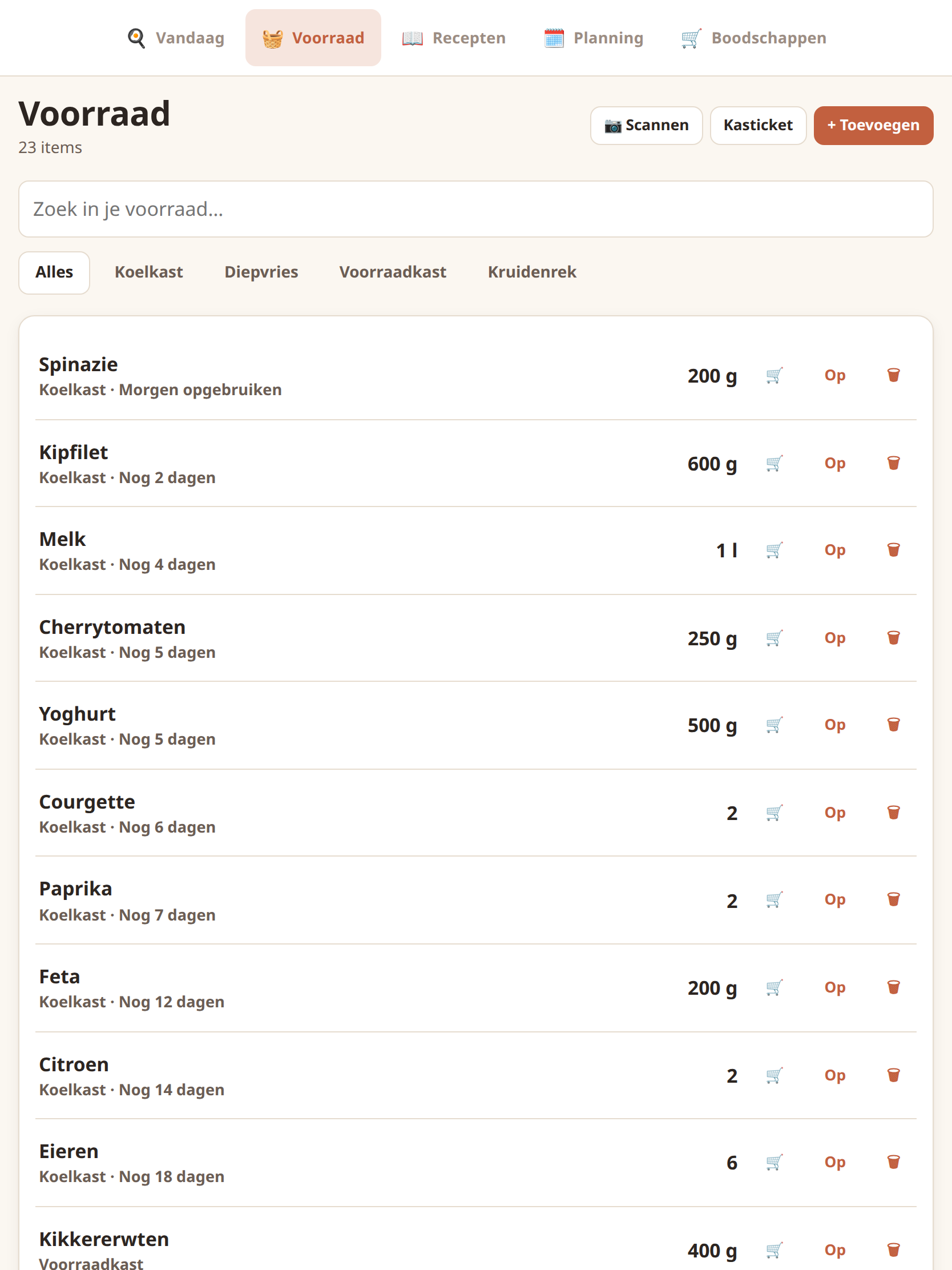
Pantry that tracks amounts
Stock in grams and millilitres with expiry dates and low-stock alerts. "2 onions" and "300 g onion" are recognised as the same thing.
Recipes in three ways
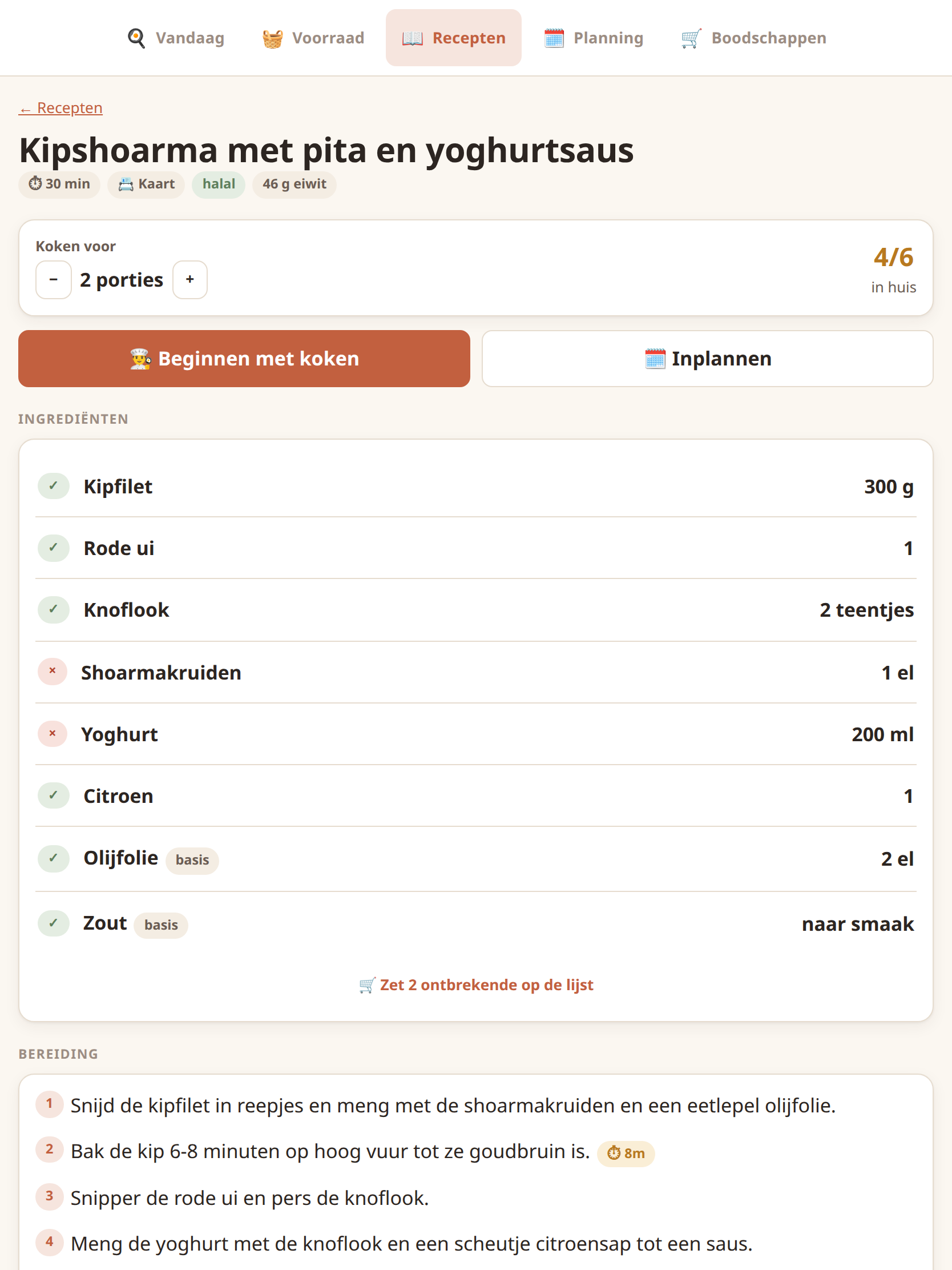
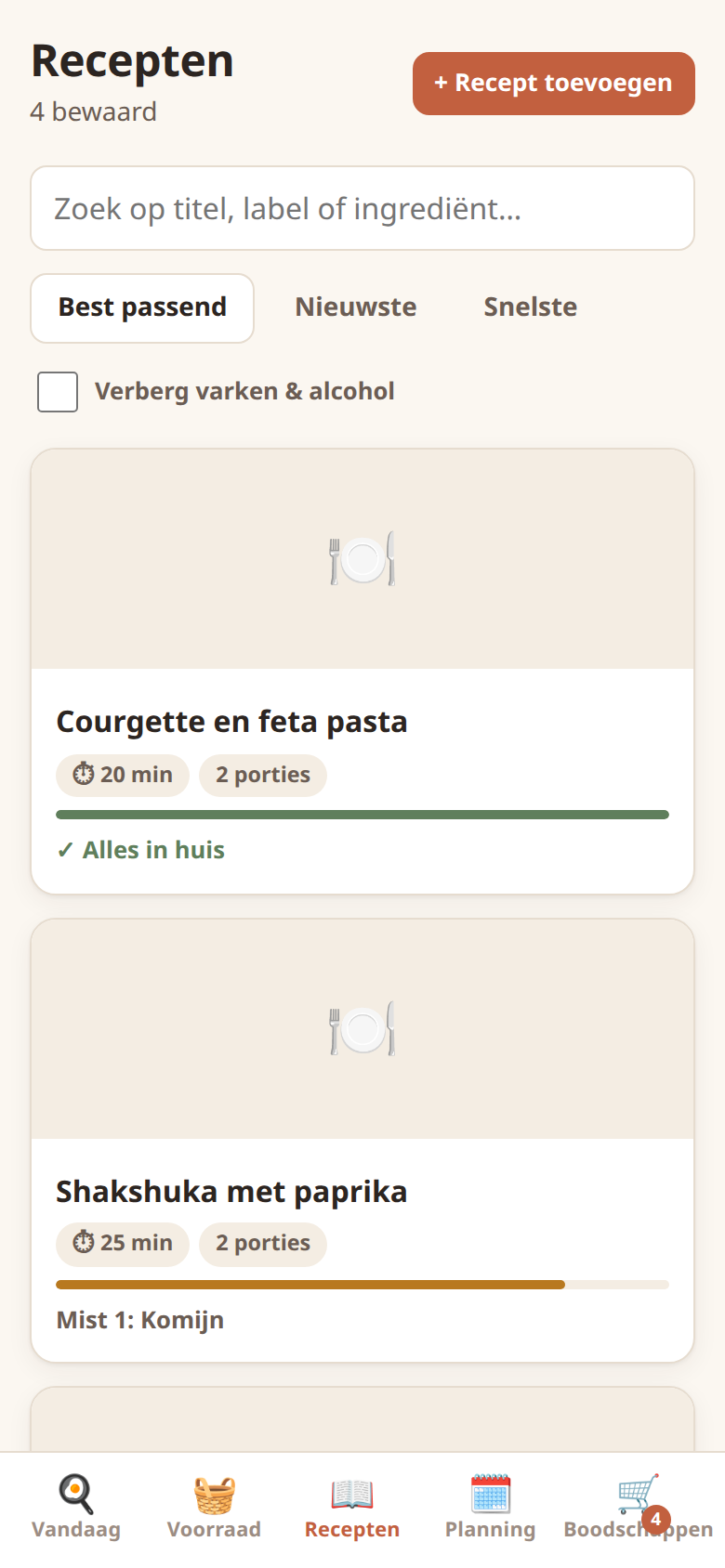
Photograph a paper recipe card (the text is read in the browser), paste a link to almost any recipe site, or type it in. Every import lands in an editable review form first.
Hands-free cook mode
One step at a time, a mise-en-place checklist, and timers taken from the step text. Finishing a recipe takes the ingredients out of the pantry.
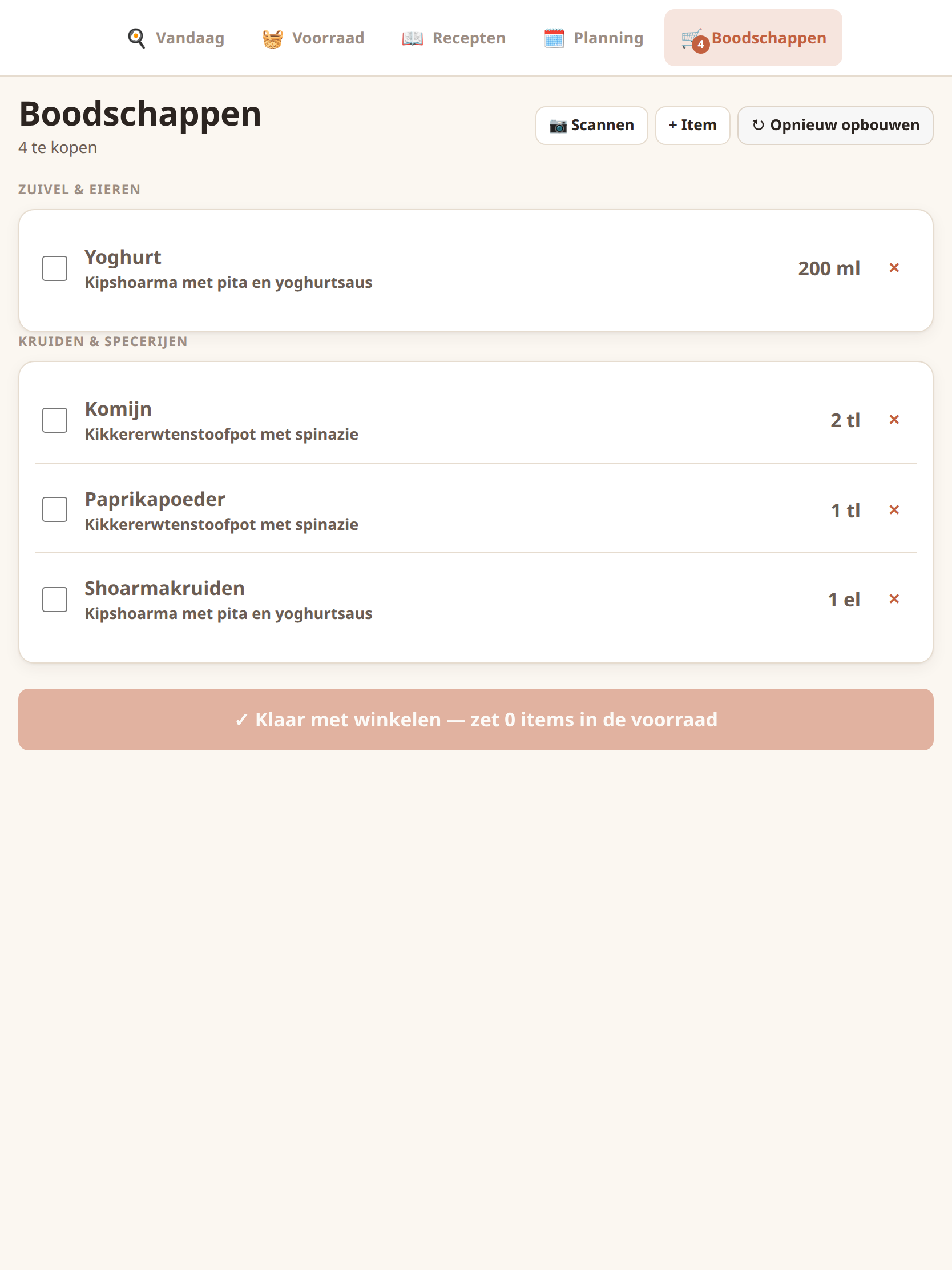
A shopping list that writes itself
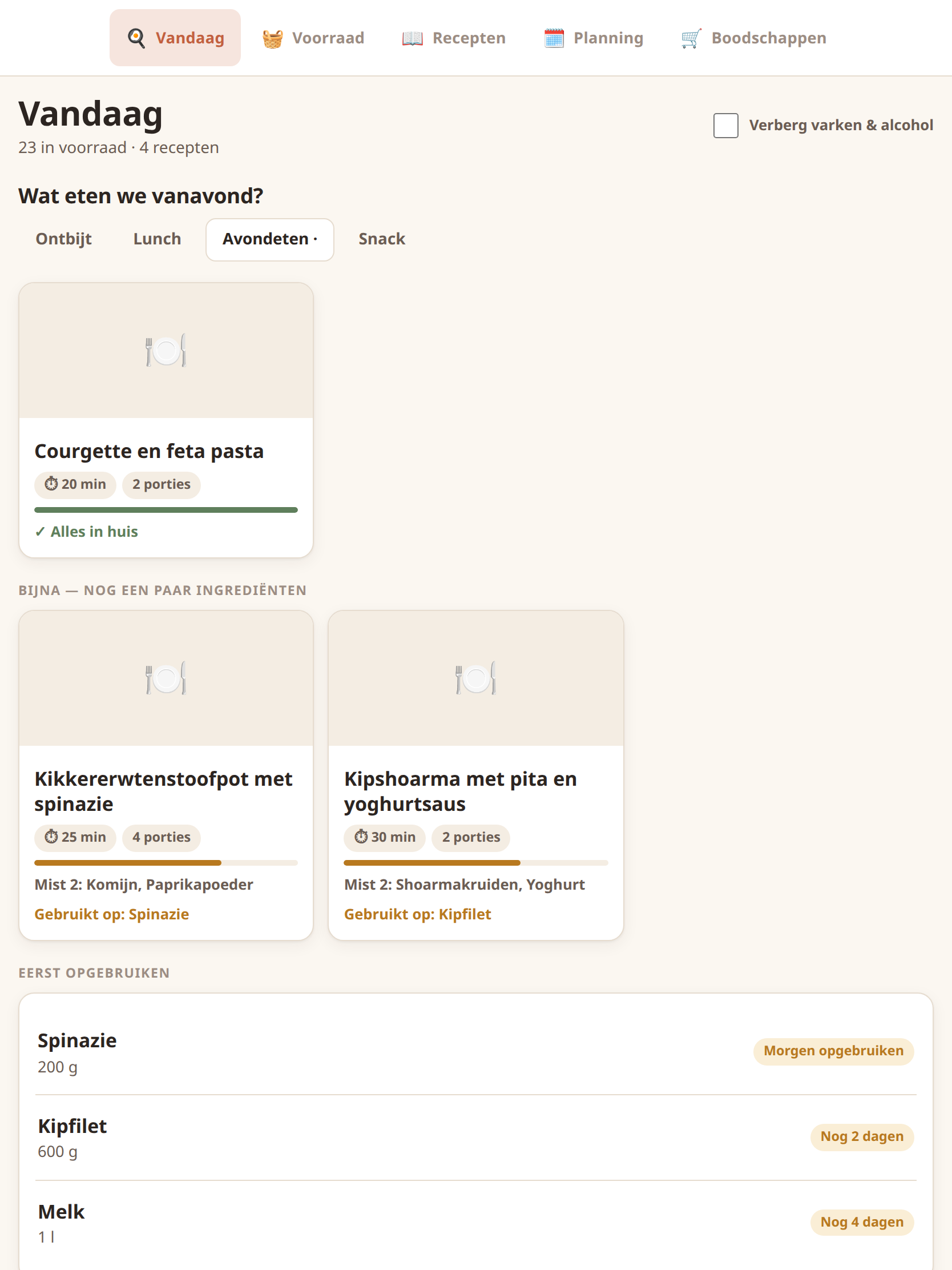
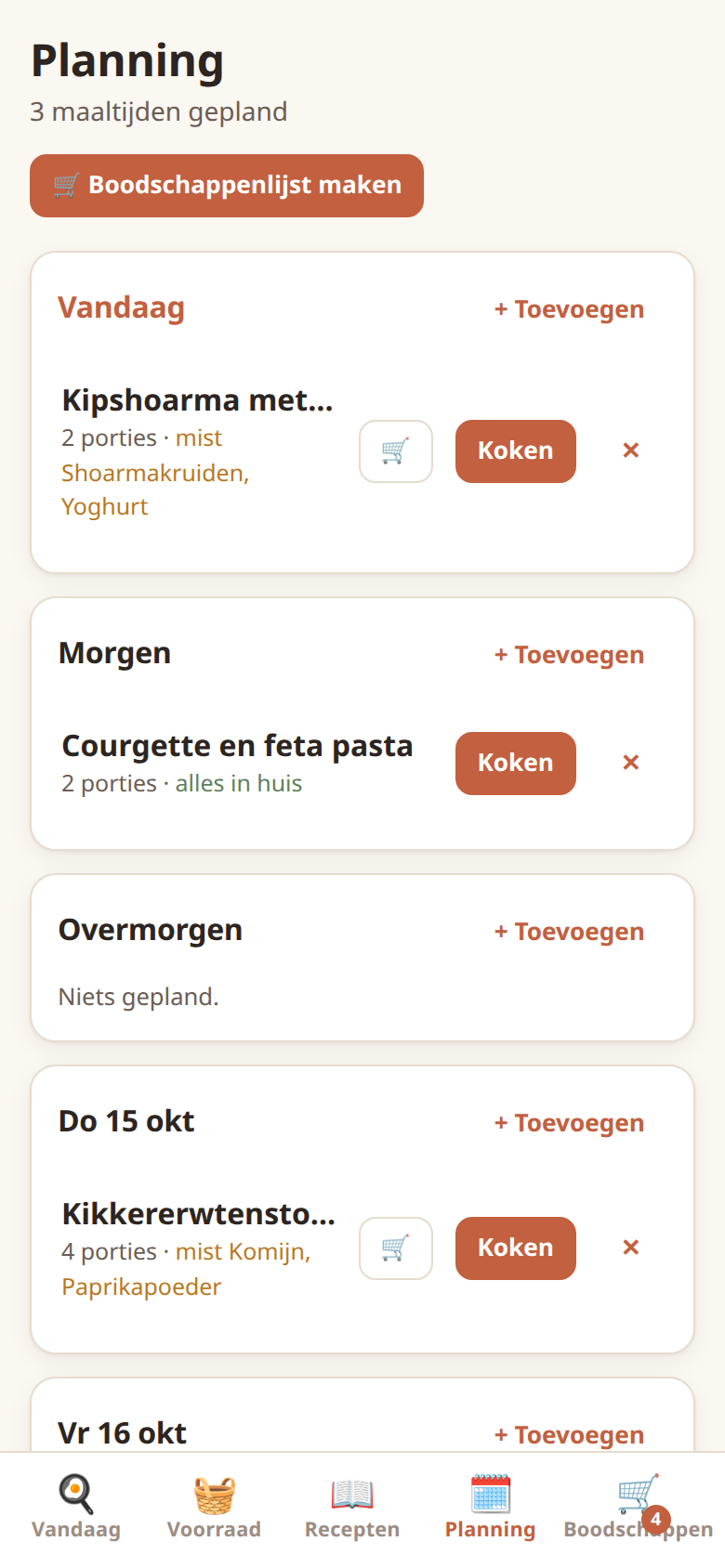
The meal plan minus what's already at home, rounded up to quantities a shop sells and grouped by supermarket aisle. Anything that runs out is added automatically.
Receipts and barcodes
Import a supermarket's digital receipt or scan a product barcode to restock the pantry, using the open Open Food Facts database.
Try it
Runs entirely in your browser with made-up data. Nothing is sent anywhere.
Recipe card to shopping list
Paste the text of a recipe card. This sample is in Dutch and includes one OCR-style typo. Mise's real parser splits it into ingredients and steps, pulls out timers, and builds a shopping list against a small demo pantry.
Parsed recipe
Kip met citroen en krieltjesServings: 235 min
Ingredients
- 300 g Kipfilet
- 500 g Aardappel
- 1 Citroen
- 2 clove Knoflook
- 1 Rode ui
- 150 g Prinsessenbonen
- 2 tbsp Olijfoliestaple
- Zwarte peperstaple
Spelling repaired: “sperzicbonen” → “sperziebonen”
Steps
- Verwarm de oven voor op 200 graden. Halveer de krieltjes en bak ze 25 minuten in de oven.⏱ 25 min timer
- Snijd de ui in halve ringen en hak de knoflook fijn.
- Bak de kipfilet 6-8 minuten in de olijfolie met de ui en knoflook.⏱ 8 min timer
- Kook de sperziebonen 5 minuten. Serveer alles met citroen.⏱ 5 min timer
Demo pantry
- Aardappelen: 750 g
- Knoflook: 6 clove
- Rode ui: 1
- Kipfilet: 250 g
Shopping list
| need | have | buy | |
|---|---|---|---|
| Aardappel | 1 kg | 750 g | 250 g |
| Citroen | 2 | 0 | 2 |
| Prinsessenbonen | 300 g | 0 g | 300 g |
| Rode ui | 2 | 1 | 1 |
| Kipfilet | 600 g | 250 g | 350 g |
Screens
All screenshots use made-up demo data.
Architecture
In words
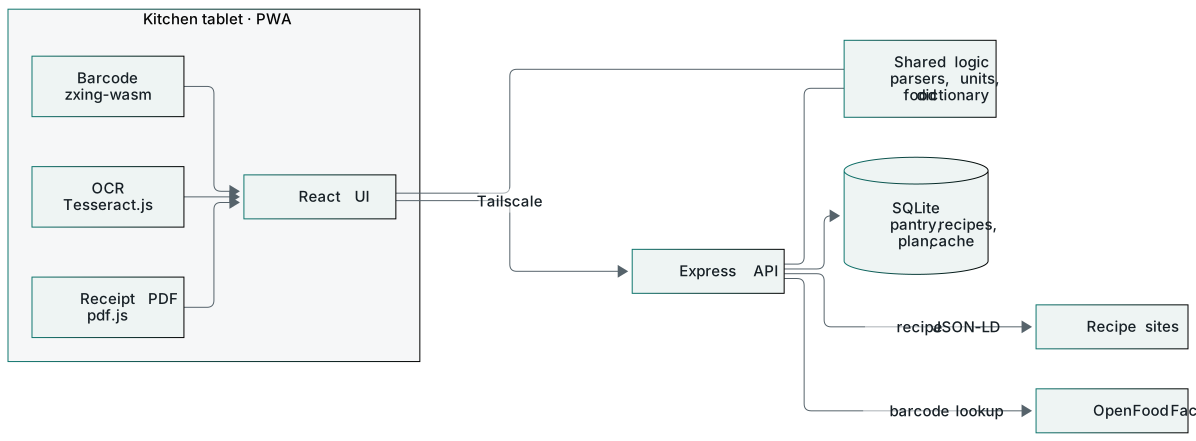
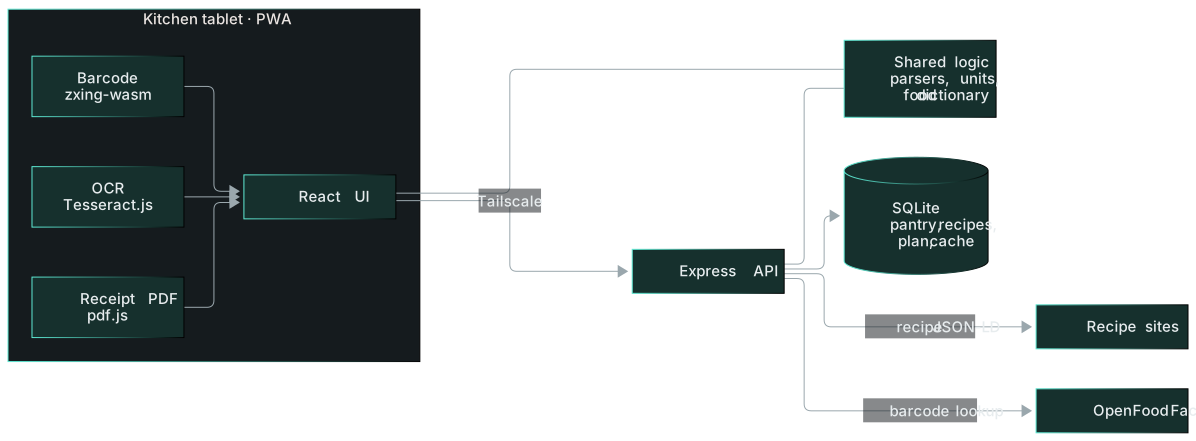
Heavy work happens on the tablet itself. Photos of recipe cards are read with in-browser OCR, receipts are read from their PDF text, and barcodes are decoded by the camera code.
One shared library parses ingredient lines, converts units and matches everything against the food dictionary. The same code runs in the browser and on the server.
The server keeps the pantry, recipes and meal plan in SQLite. For links it reads the structured recipe data that most sites publish. Barcode lookups are cached, so a product scanned once also works offline.
How I built it
I set the constraints up front. It had to work for two people on a tablet mounted on the fridge, understand Dutch and French product names, and run with no paid APIs.
I designed the product and the data model. The core is a single food dictionary, so the pantry, recipes and receipts all describe the same ingredient the same way. The code was written with Claude Code. I reviewed it, and it is covered by automated tests.
Real use drove the backlog. The first version of card scanning misread too much, so I asked for better image clean-up and automatic spelling repair against the food dictionary. Every correction is shown for review, so nothing changes silently.
Tech stack
- Frontend
- On-device processing
- Backend
- Data
- Quality & hosting